Free Blank Invoice Template
A simple, free blank invoice template in three formats: Word, Excel and PDF. Pick the one you prefer, add your details, and send. No signup, no watermark, no limits.
No signup. Fill it in and download the PDF in under a minute.
⇩ Blank invoice – Word (.docx)
⇩ Blank invoice – Excel (.xlsx)
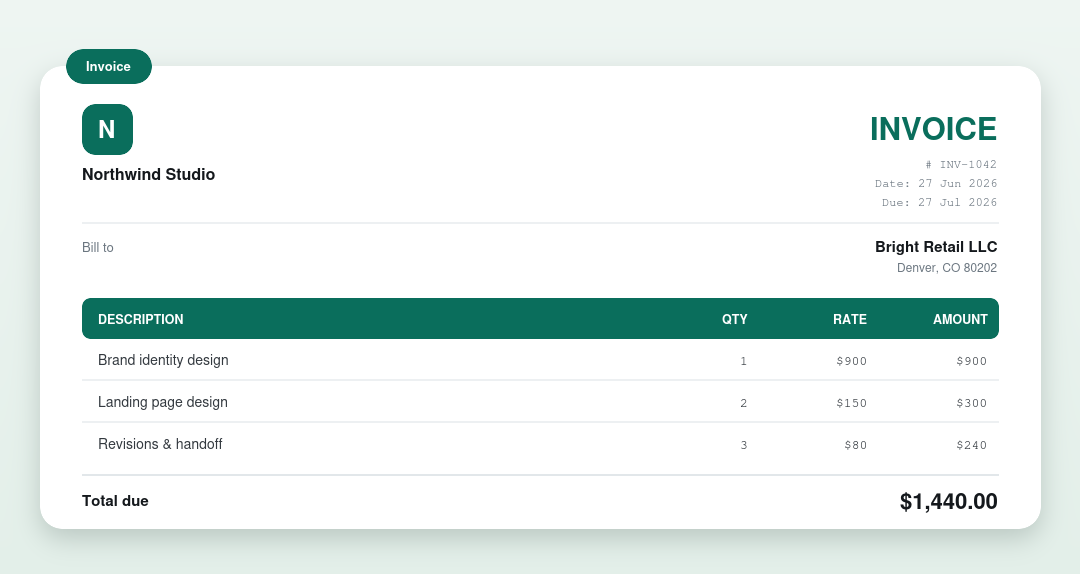
Which format should I pick?
- Word: easiest to edit; also opens in Google Docs.
- Excel: totals calculate automatically; works in Google Sheets.
- PDF: print-ready to fill in by hand.
Or fill one in online
Skip the download entirely: our free invoice generator gives you a blank invoice to fill in, does the math, and downloads a clean PDF, all in your browser. New to it? See how to write an invoice.
What’s on an invoice
| Part | What it shows |
|---|---|
| Business & client | Who the invoice is from and who’s billed |
| Invoice number & dates | A unique number, the issue date and due date |
| Line items | Each product or service with a quantity and rate |
| Totals | Subtotal, any tax or discount, and the total due |
| Payment details | Accepted methods and where to pay |
Frequently asked questions
Is the blank invoice template free?
Yes: every format (Word, Excel, PDF) is free to download and use, with no signup and no watermark.
Which format is best?
Word is easiest to edit, Excel calculates totals for you, and PDF is best for printing. If you’d rather not download anything, use our online generator.
Can I use it for my business?
Yes. It works for freelancers, sole traders and small businesses: add your logo, details and items and it’s ready to send.